
Online presence
What to include on your booking page
Build a clear page that reflects your brand, identifies the right location, and shows customers how to book.
Make clear which location the page is for
Anyone who follows your link should recognize the business right away. Use the name on your storefront and social profiles. If you have several locations, add something that distinguishes the address, such as the neighborhood or the branch name. Choose a clear image that helps customers recognize your brand and use photos that fit the services you offer.
Enter the full address and check that the map, if you provide one, takes customers to the right entrance. A short landmark such as the name of a shopping arcade can save a first-time visitor from having to ask for directions.
Answer questions before customers book
Briefly describe the type of appointments you offer and keep the service menu up to date. Give customers enough information to compare their options. Show what each service includes, how long it usually takes, and the listed price. If a service requires preparation, such as arriving early, make that information visible before they choose it.
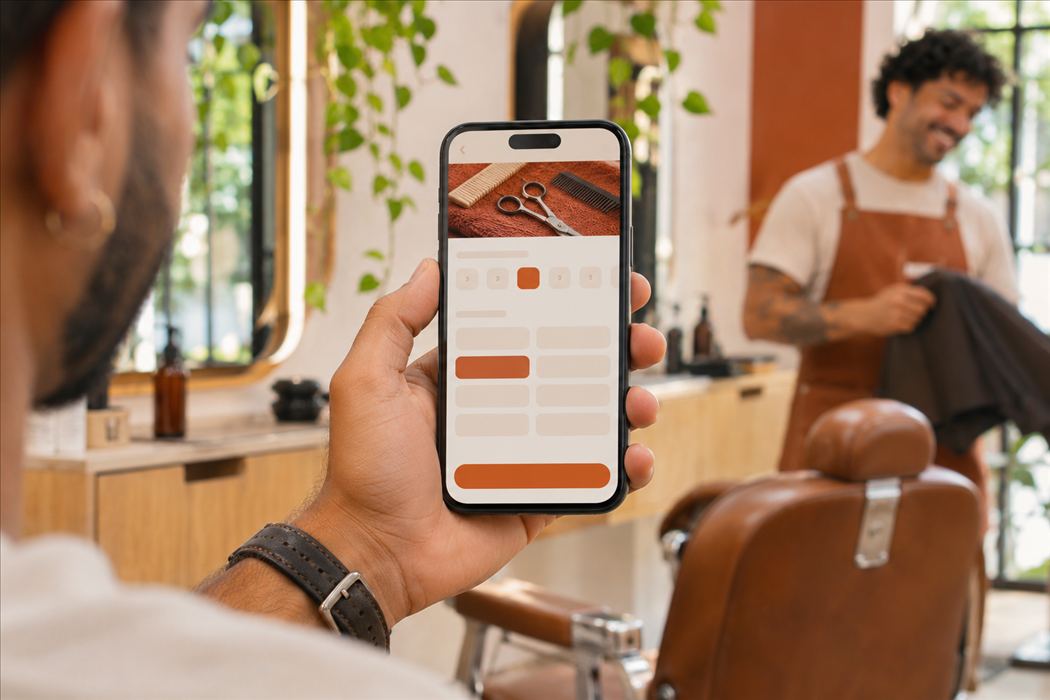
Your published Hest page brings together the service menu, the choice of professional, and the available times. Review the list when someone starts offering a new service or stops providing one.
Share the link where customers already find you
Start with your social media bio, business profile, and the replies your team already uses to confirm appointment times. Use the link for the correct location. A line such as “Check availability and book” gives your customers a clearer next step than a link on its own.
Test the page before sharing it
Open the link on a phone and check that the name, address, services, and available times belong to the right location. Ask someone who is new to your menu to find a service. Watching how they use the page can reveal confusing descriptions, address errors, and services the team no longer offers.