


Management
How to set up online booking for your salon
Build a booking page with clear services, hours that fit your team’s routine, and a link customers can easily find.
Practical tips for managing bookings, teams and customer service.
Build a booking page with clear services, hours that fit your team’s routine, and a link customers can easily find.

Use clear confirmations, email reminders, and a simple way to reschedule so your team can make use of time that opens up.

Match services to team members, protect breaks, and give each professional access that fits their role.

Keep schedules, teams, and results clear when your salon or barbershop operates at more than one address.

Use booking history to plan relevant follow-ups, write messages customers can act on, and keep your contact list organized.
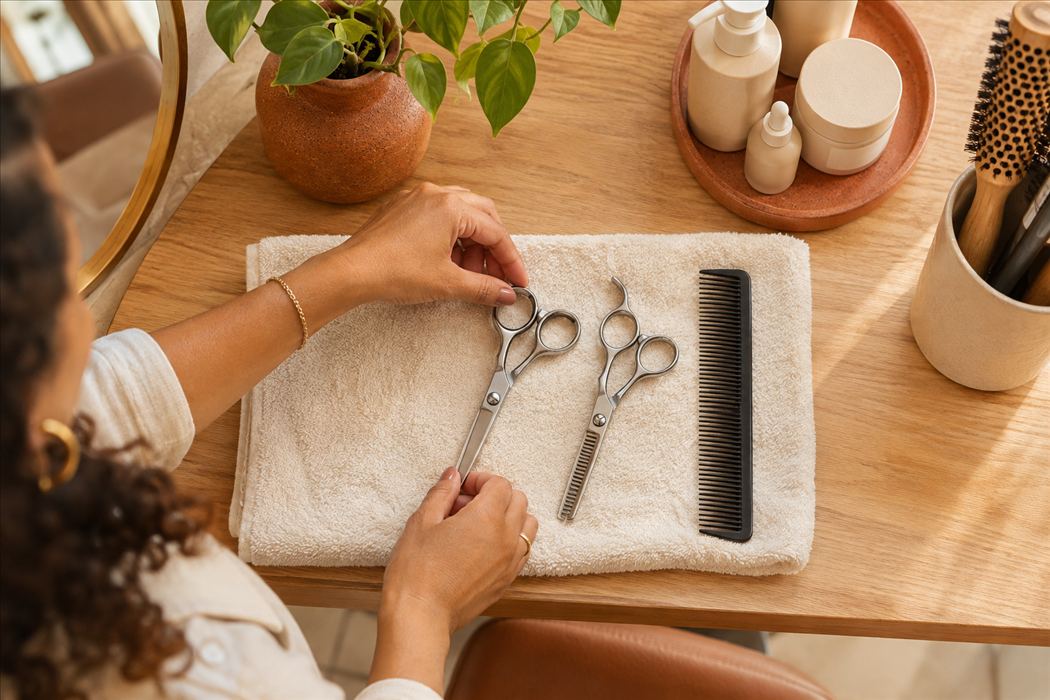
Organize service names, prices, durations, and categories so customers can choose the right service before booking.

Use recurring availability, breaks between appointments, and one-time blocks to offer slots your team can cover.
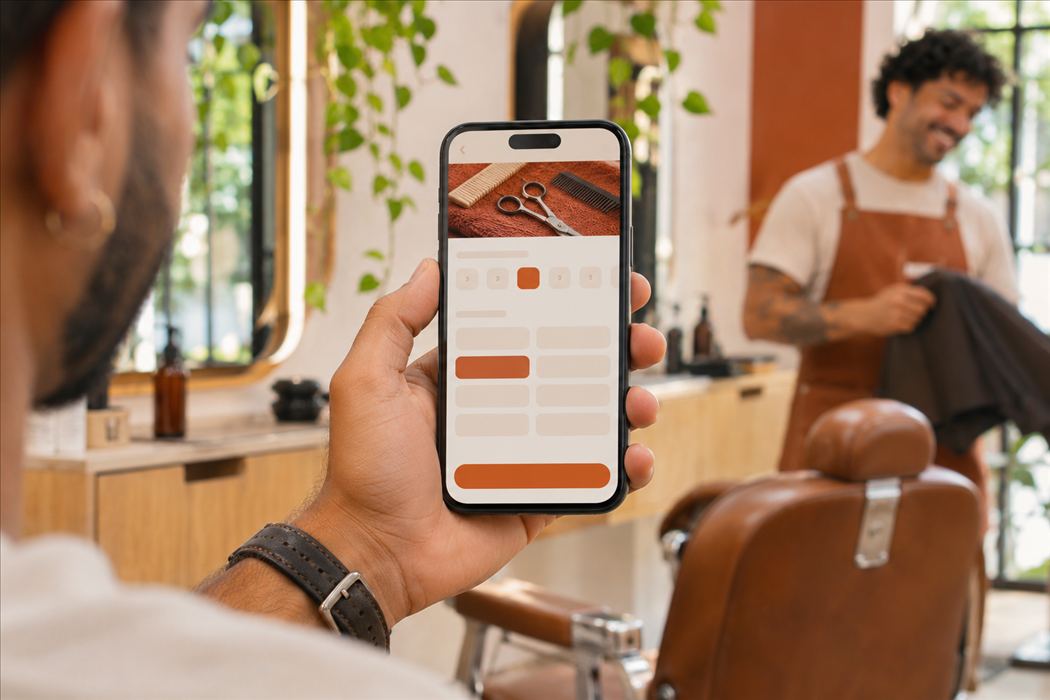
Build a clear page that reflects your brand, identifies the right location, and shows customers how to book.

Search by service or business name, choose your city, and check available times before submitting a booking.

Group tasks, set due dates, and run quick reviews to keep track of the work that happens between appointments.